
Chappie
Just say "chappie".
The rest is voice only.
A hands-free voice AI assistant that lives in your menu bar. No keyboard, no mouse — just talk.
Mac (Apple Silicon) · No API key required · Windows version coming soon · Open source
WHAT IT CAN DO
Things you can say.
Wake it with "chappie", then just keep talking.
Change your wallpaper with your voice
- "Change my wallpaper to a forest"
- "Set a night sky wallpaper"
- "Make it aesthetic"
Say a theme and your desktop picture swaps to a matching photo on the spot. Multi-monitor setups get a different photo per screen. Great for a quick vibe reset or a tidy desk before a call.
A masterpiece as wallpaper
- "Set a famous painting as my wallpaper"
- "Make a Van Gogh my wallpaper"
- "Use a Japanese woodblock print"
A public-domain masterpiece from the Art Institute of Chicago becomes your desktop wallpaper. Name an artist or style, or leave it up to chance for a fresh piece — with a word on what it is.
Read your schedule
- "What's on my calendar today?"
- "Tomorrow's schedule?"
- "What's next?"
Reads from your Mac's Calendar (read-only). Today, tomorrow, or the next 7 days — Chappie picks up titles, times, and locations and reads them out loud.
Picture of the day as wallpaper
- "Set today's picture of the day as wallpaper"
- "Use today's Wikipedia photo"
- "Make today's featured photo my wallpaper"
Wikipedia's hand-picked photo of the day becomes your desktop wallpaper — a fresh, beautiful shot every day with zero effort, plus a word on what it is.
PRICING
Free is plenty. Pro unlocks everything.
No signup, no card — start using it today. Upgrade to Pro when you want the full character lineup.
Want to use your own OpenAI, Anthropic, or Gemini key? "BYOK" mode is also free — bypass the daily limit at no cost.
LIVES IN THE MENU BAR
Always tucked into the menu bar.
Shows up only when you need it.
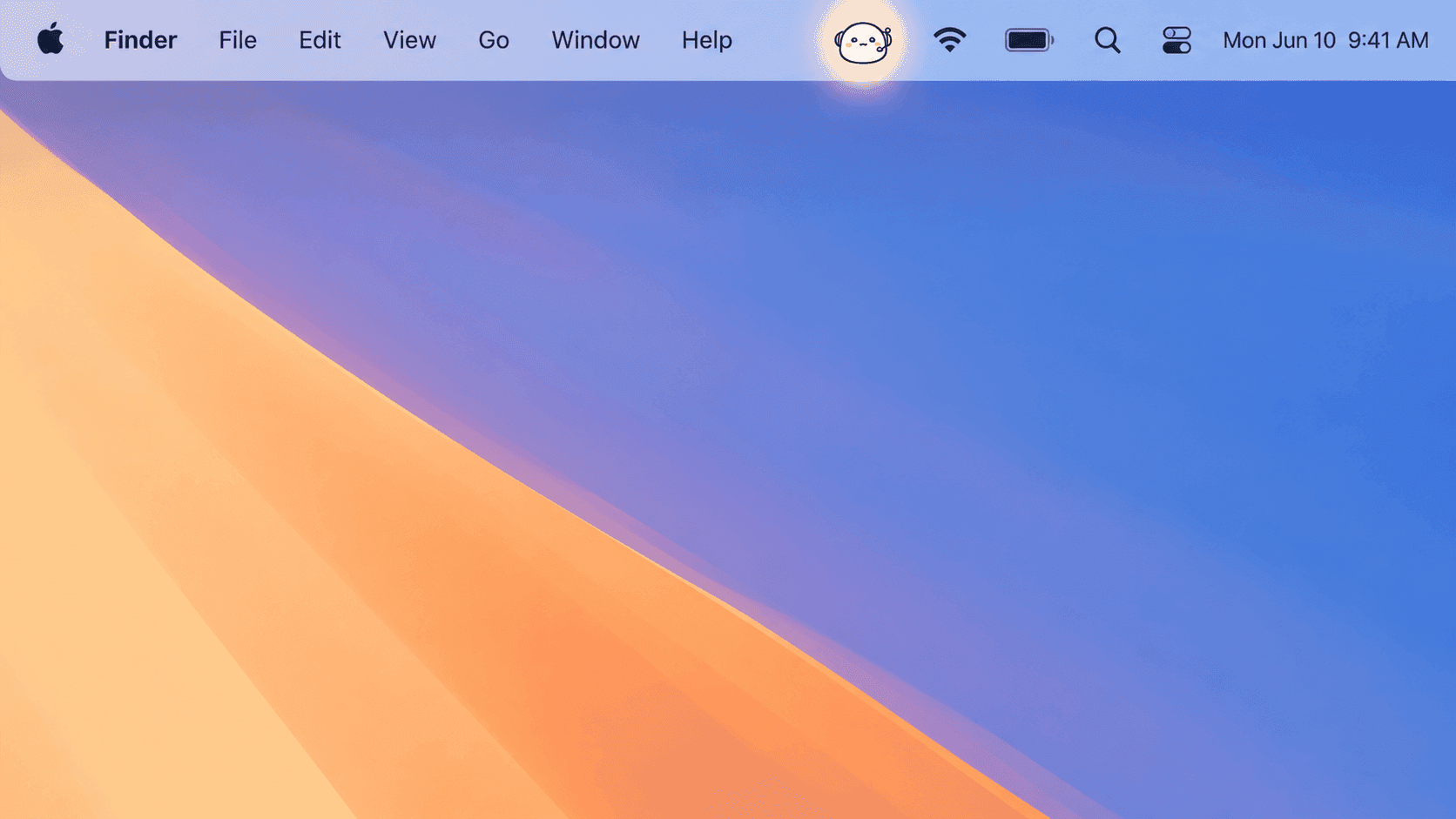
No Dock icon, no window. Stays quietly in standby until you call.
An assistant that blends into your day
Just the right distance — visible when needed, invisible when not.
Just say "chappie"
No hotkeys, no clicks. Wake it with your voice, then keep talking naturally.
Only responds to your voice
Enroll your voice once and Chappie tunes out the TV, YouTube, and other people around you. Your voiceprint stays on your device.
Voice stays local
Speech is transcribed entirely on your device.
Remembers what matters
What you were just saying continues naturally. Names, family, preferences — the things that stick — quietly carry across sessions.
Conversations that grow over time (experimental)
Remembers the flow of your everyday conversations and brings up things you mentioned a few days ago in a natural way.
Speaks up when it matters — no need to ask
A morning heads-up, a nudge just before your next event, a sudden turn in the weather — Chappie can reach out on its own. You choose whether it speaks aloud or just shows on screen.
Weather for your town, not the nearest big city
Uses macOS Location Services to ground weather and "nearby" questions in your actual area. If you decline the permission, Chappie falls back to a rough location estimate — so it works either way.
Menu bar resident, no Dock clutter
The app is just a menu bar icon. Settings open only when you need them.
Speaks 9 languages
Japanese and English are stable. Spanish, French, German, Italian, Portuguese, Korean, and Simplified Chinese are in Beta. Pick one and Chappie automatically uses a matching macOS system voice.
Auto-update
Checks at launch and quietly every 6 hours. New versions show a tray badge so you can update on your time.
THREE EXPRESSIONS
Status shows on Chappie's face in the menu bar.

Waiting quietly for you to say "chappie".

Tuned in and capturing what you're saying.

Reading the reply out loud.
Your voice stays on your device
What the mic picks up is converted to text right on your device. The recording itself never goes to the internet. Only the text version of your question is sent to an AI service to think up a reply.
Try saying hello.
Download, then look at the Chappie icon in your menu bar and say "chappie".